

Click Sign Up to get started, and then follow the steps below to create your account.
✔️ Section 1: Legal
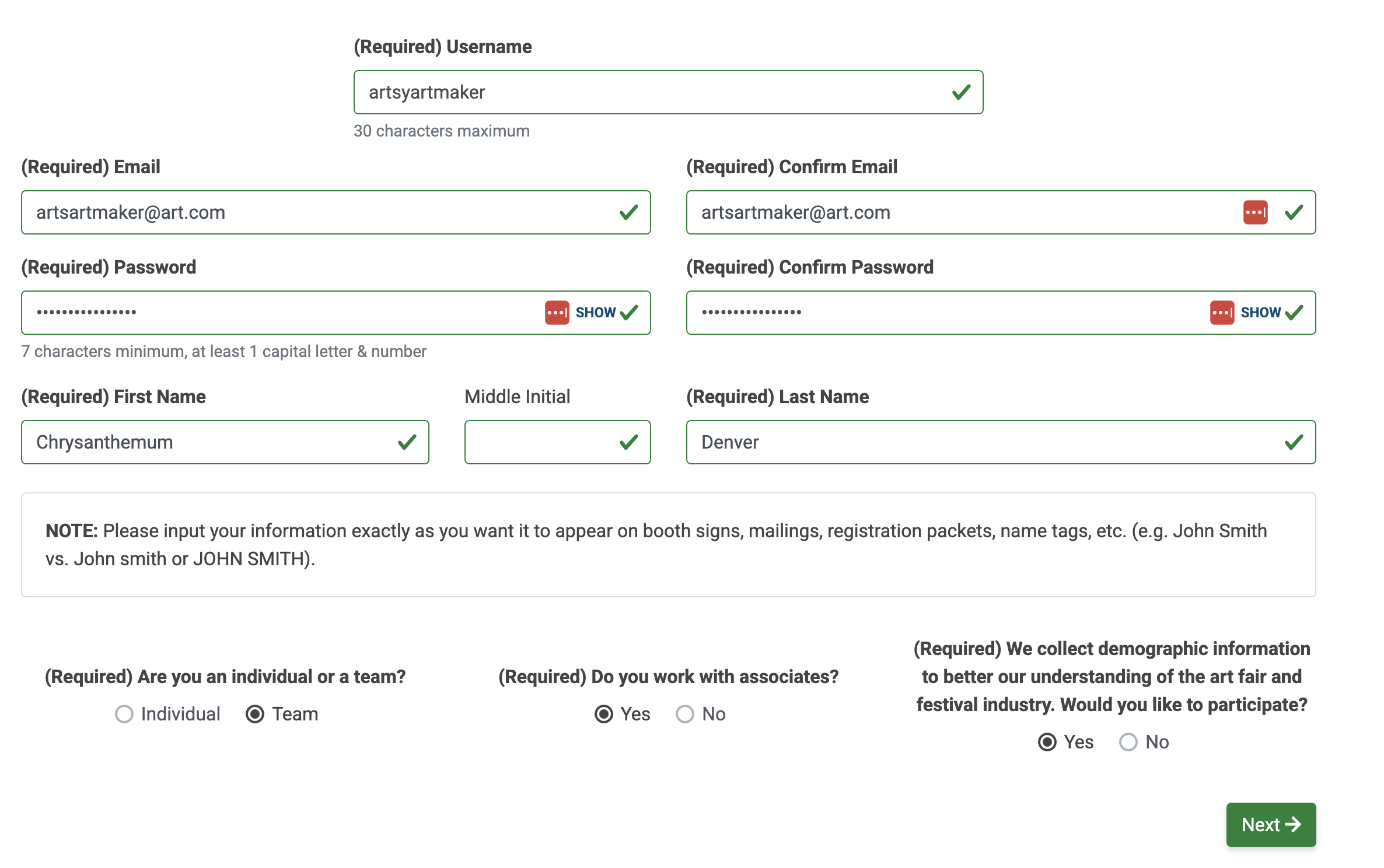
Review and accept the ZAPP Terms & Conditions first. Then, complete the fields to enter a username, your legal name, preferred email, and create a password.
⚡ TIP: Enter your name exactly as you would want it to be displayed on event materials, such as booth signs and name tags.
✔️ Section 2: Teams
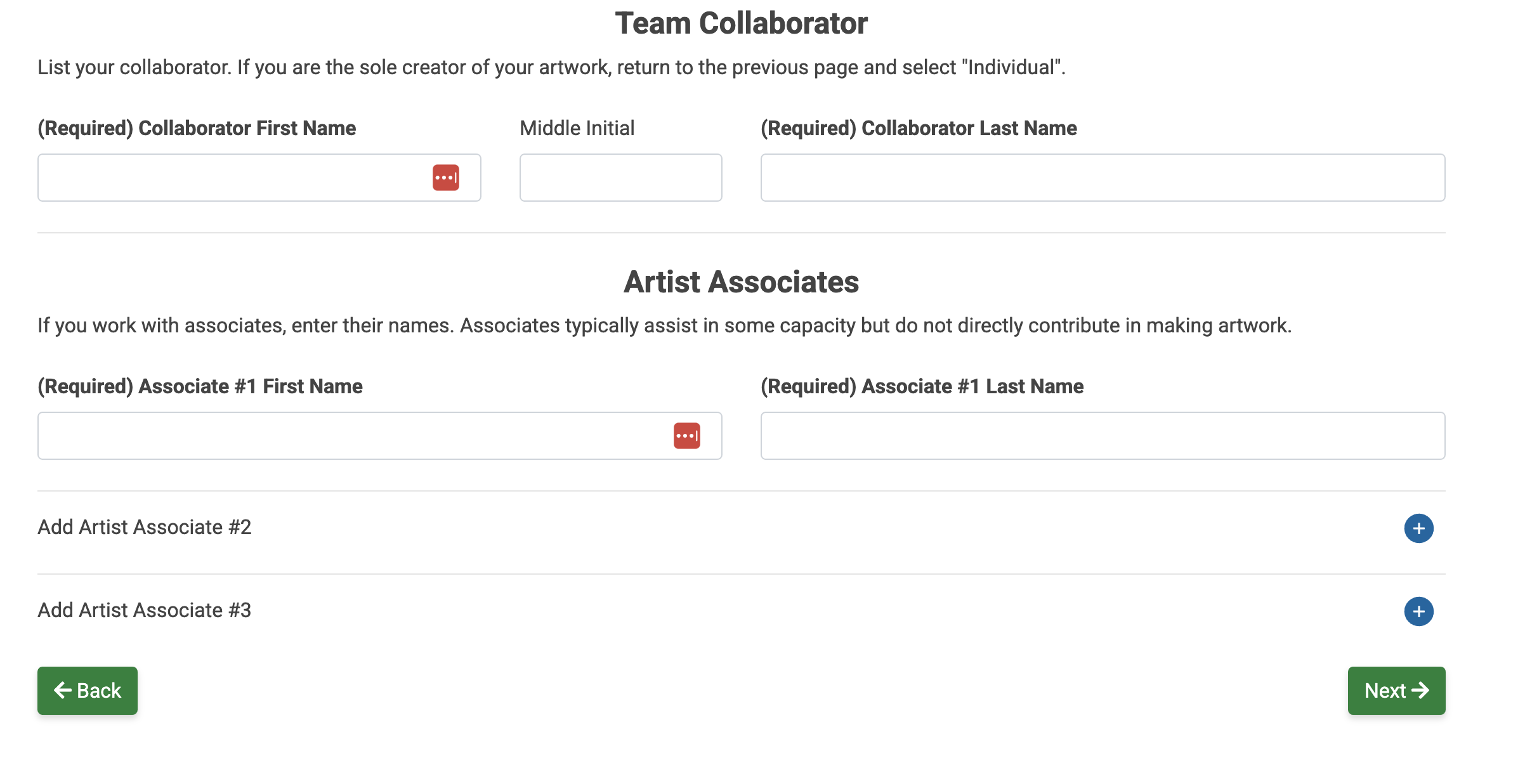
This section is optional. If you work with collaborators or associates, enter their names. Their names will be included on your applications.
Collaborators typically contribute directly and significantly to the creation of your work.
Associates typically only assist you and/or your collaborators. Associates do not directly contribute to the creation of your work.
✔️ Section 3: Contact
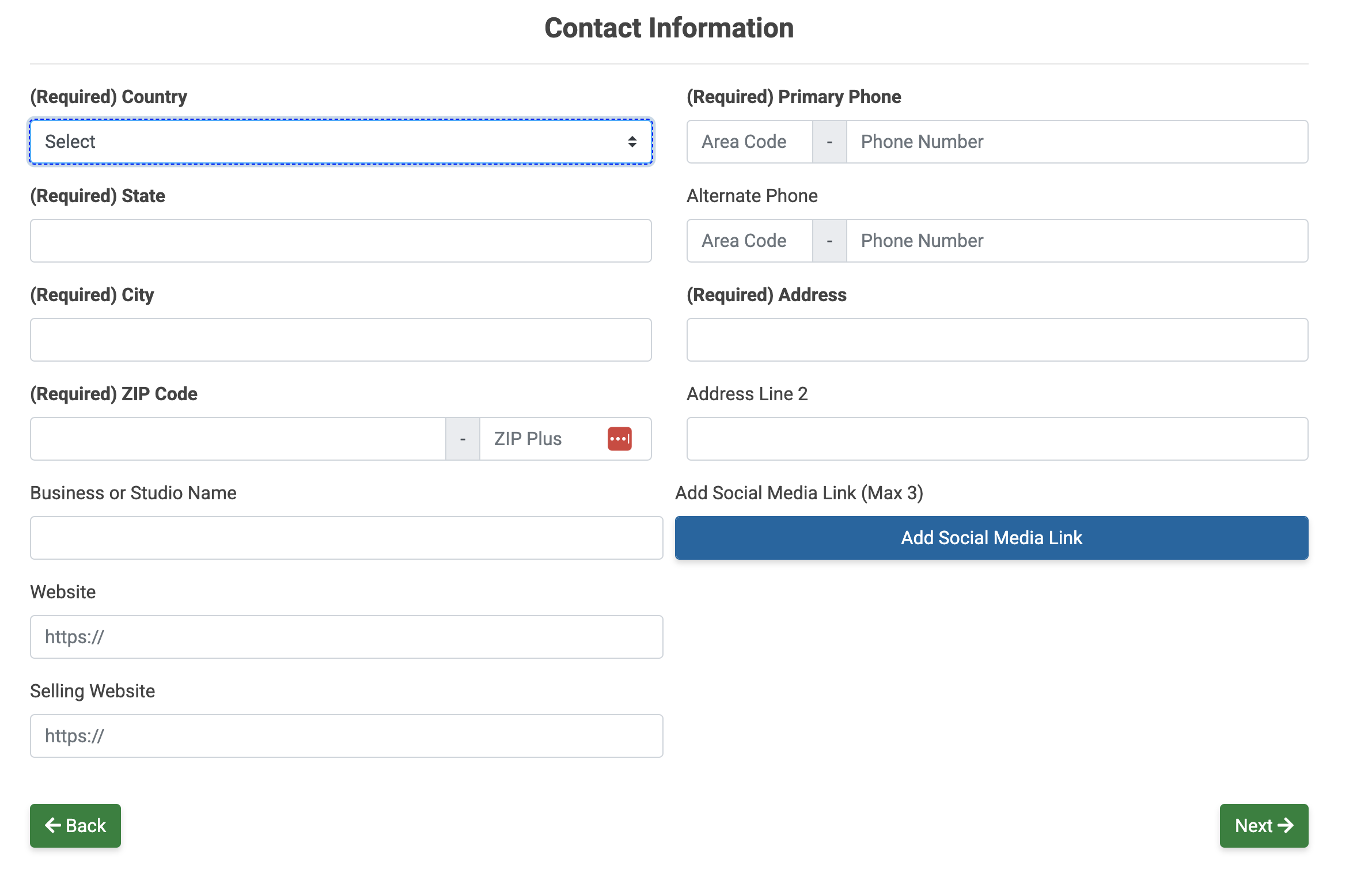
Enter your physical address, phone number, business name, website, and social media links in this section.
✔️ Section 4: Profile Type
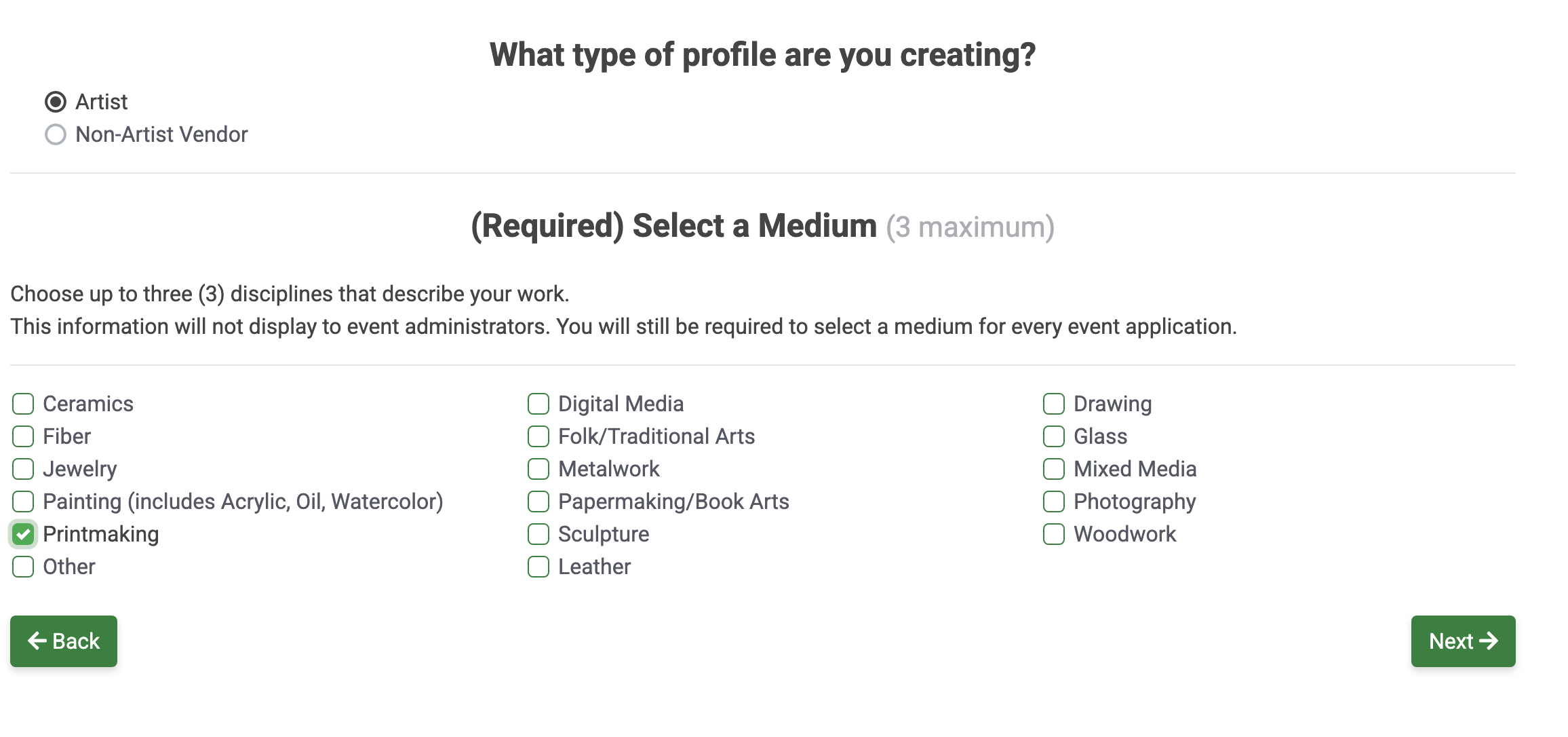
Choose the type of profile you want to set up:
🎨 Artist: Select this option if you are an artist who creates handmade works of art, such as ceramics, fiber, jewelry, painting, woodwork, etc. and want to sell your artwork at events.
🍿 Non-Artist Vendor: Select this option if you are a vendor who sells food, apparel, or other merchandise, or if you staff event booths on behalf of a government, nonprofit organization, or sponsor.
Some events may accept both types of applicants on one application but may only require images from artist applicants.
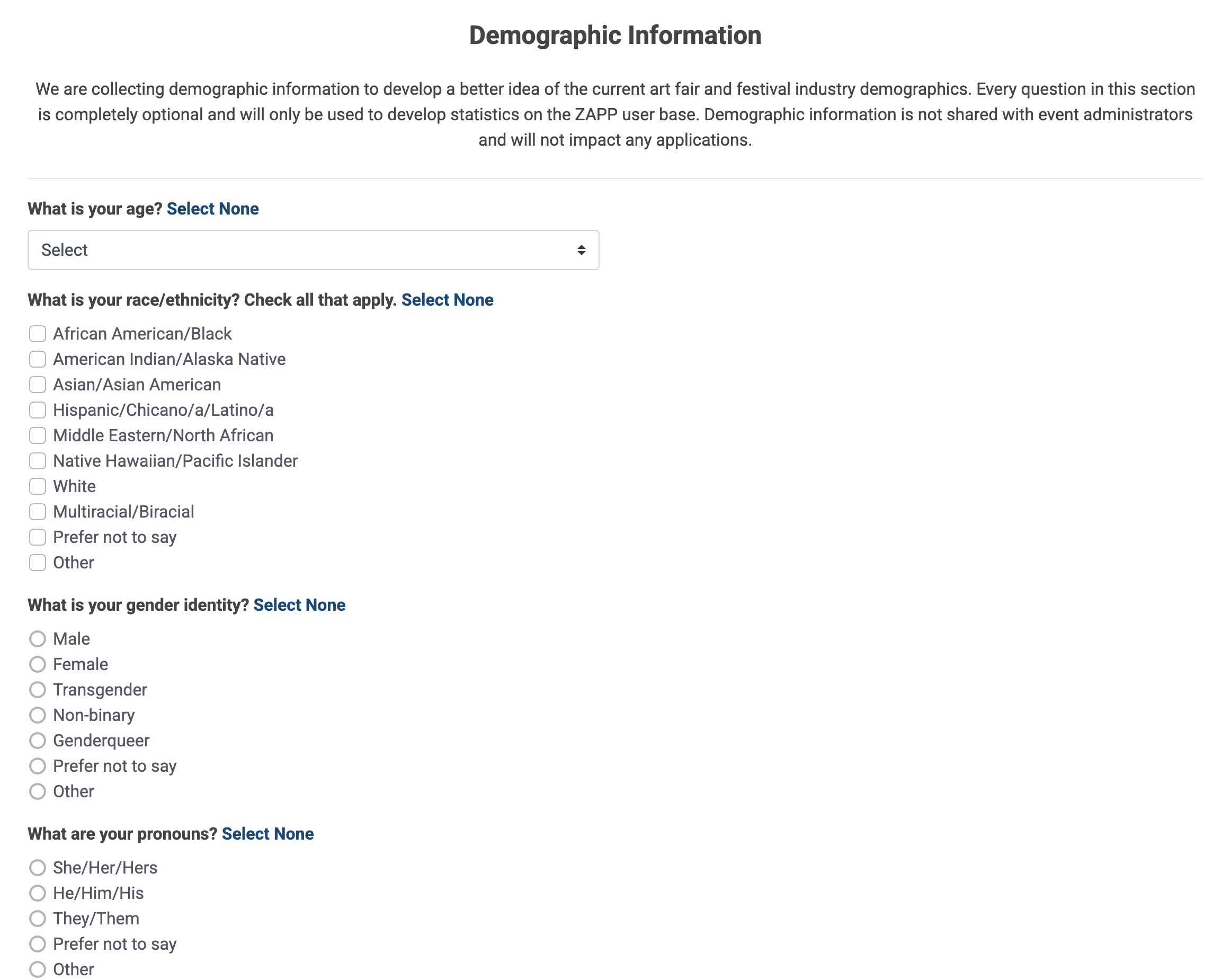
✔️ Section 5: Demographic Information
This section is optional. Respond to demographic questions if you would like to help ZAPP better understand its user base. Personal demographic information is not shared with event administrators and will not impact any applications.
✔️ Section 6: Email Opt-ins
Opt-in to ZAPP emails in this section. You can unsubscribe at any time.
Show Information: Receive a weekly email with upcoming deadlines and events that have recently started accepting applications.
Single Show Announcements: Receive emails about individual events that just opened or have an upcoming deadline.
System Information: Receive emails about new ZAPP features, upcoming updates, and other information about ZAPP.
Postcard Mailing: Receive mailed postcards or advertisements about events that are accepting applications.
Once you've finished, click the reCAPTCHA (I'm not a robot) and click Submit to complete your account setup.
