

The Event Information page is broken up into four sections:
Basic Event Information
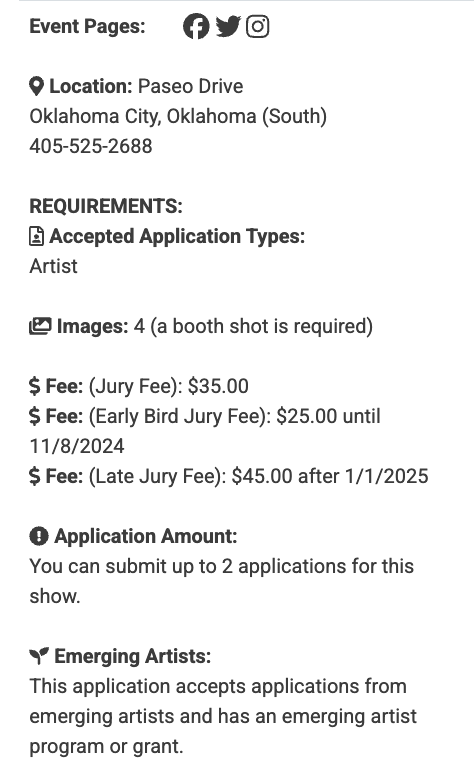
Each page has a list of event details with the event’s location, image requirements, application fees, the number of applications one artist can submit, and any social media pages the event has chosen to connect. You’ll also find information about whether an event is accepting applications by invitation only, if it accepts applications from emerging artists, and if it has an emerging artist program or grant.
Note: Eligibility as an emerging artist may vary for each event. Read the event details for more info.
Event Timeline
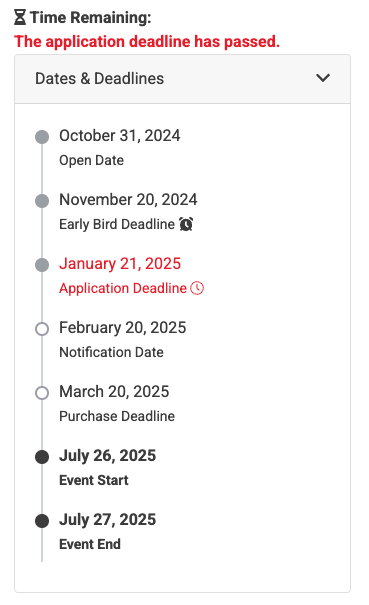
The event timeline lists important dates for the event: the application open date, any early bird & late fee deadlines, the application deadline, the notification date (if the event chooses to display it), the accept invitation and purchase deadline, and the event start date.
The Event Prospectus
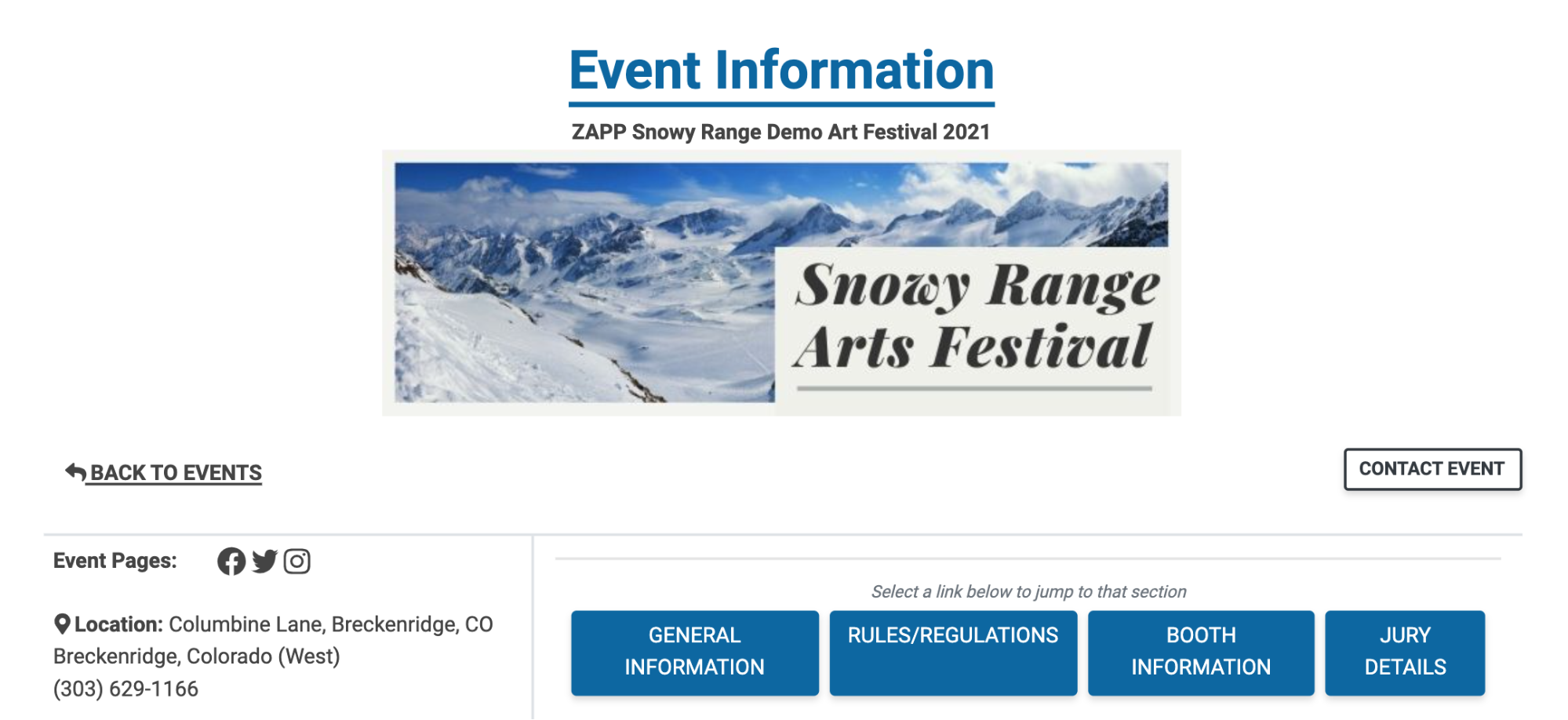
The majority of the page contains general information about the event filled out by the event organizers. The page may be broken up into four sections: General Information, Rules & Regulations, Booth Information, and Jury Details, though not all sections are required. To navigate between sections, click on the buttons at the top of the page.
The Legal Agreement
You can review the legal agreement before or after applying to the event by scrolling to the bottom of the event’s information page and clicking the View Legal Agreement button. You can also print or save the event’s legal agreement from this page.
Once an event begins accepting applications on ZAPP, the legal agreement is locked. Changes can only be made after the event has emailed applicants with those updates.
