

Contact & Account Information
Update your contact information when you move, get a new email address or website, or change your name. Events see the contact information listed in this section when viewing your application and use this information to contact you, create booth displays and other signage, and update their websites.
Teams and Associates
If you begin working with another individual or group to create your work, add their names to this section so events know who helps in your creative process.
Medium Selection
If you change mediums or stop working in one, update your selections in this section. This does not display to event administrators but can be used to tailor specific emails to you.
Email Notifications
Change your email preferences in this section. Subscribe or unsubscribe to emails. Keep in mind, you cannot opt out of some emails, such as receipts, deadline reminders, and emails coming directly from events.
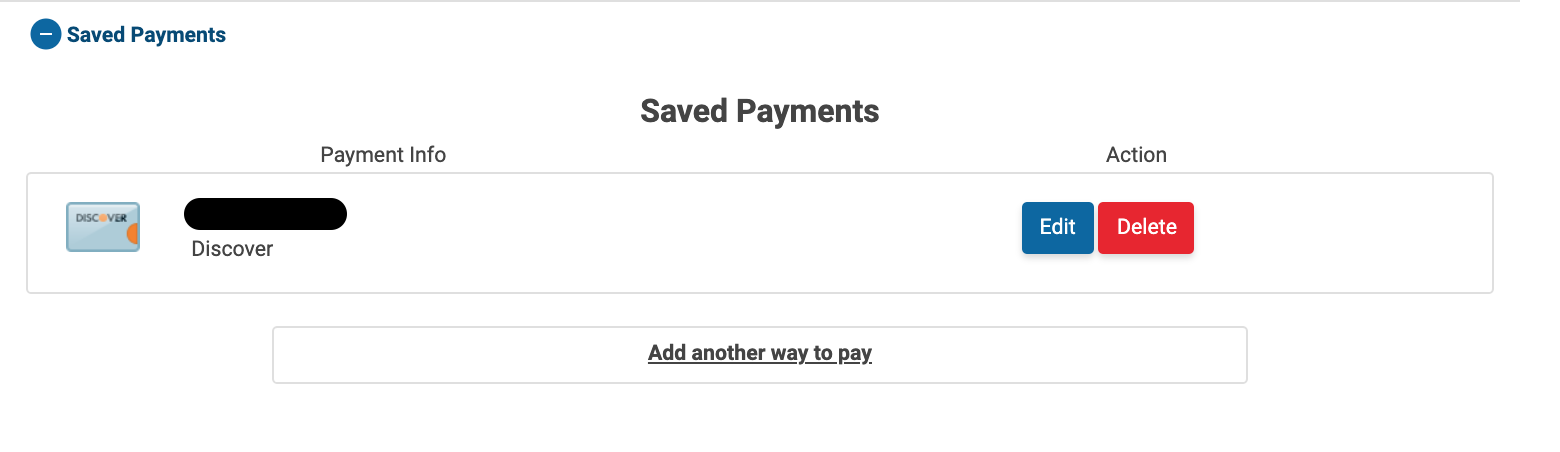
Saved Payments
You can add, edit, or delete payment methods you saved in ZAPP in this section.
Click Edit to modify the payment method details, such as updating your expiration date.
Click Delete 🗑️ to remove the payment method.
Click Add another way to pay to save a new payment method.
Demographics
ZAPP collects demographic information to develop statistics and understand the ZAPP user base. Questions in this section are optional. You can add or change your responses at any time.
