

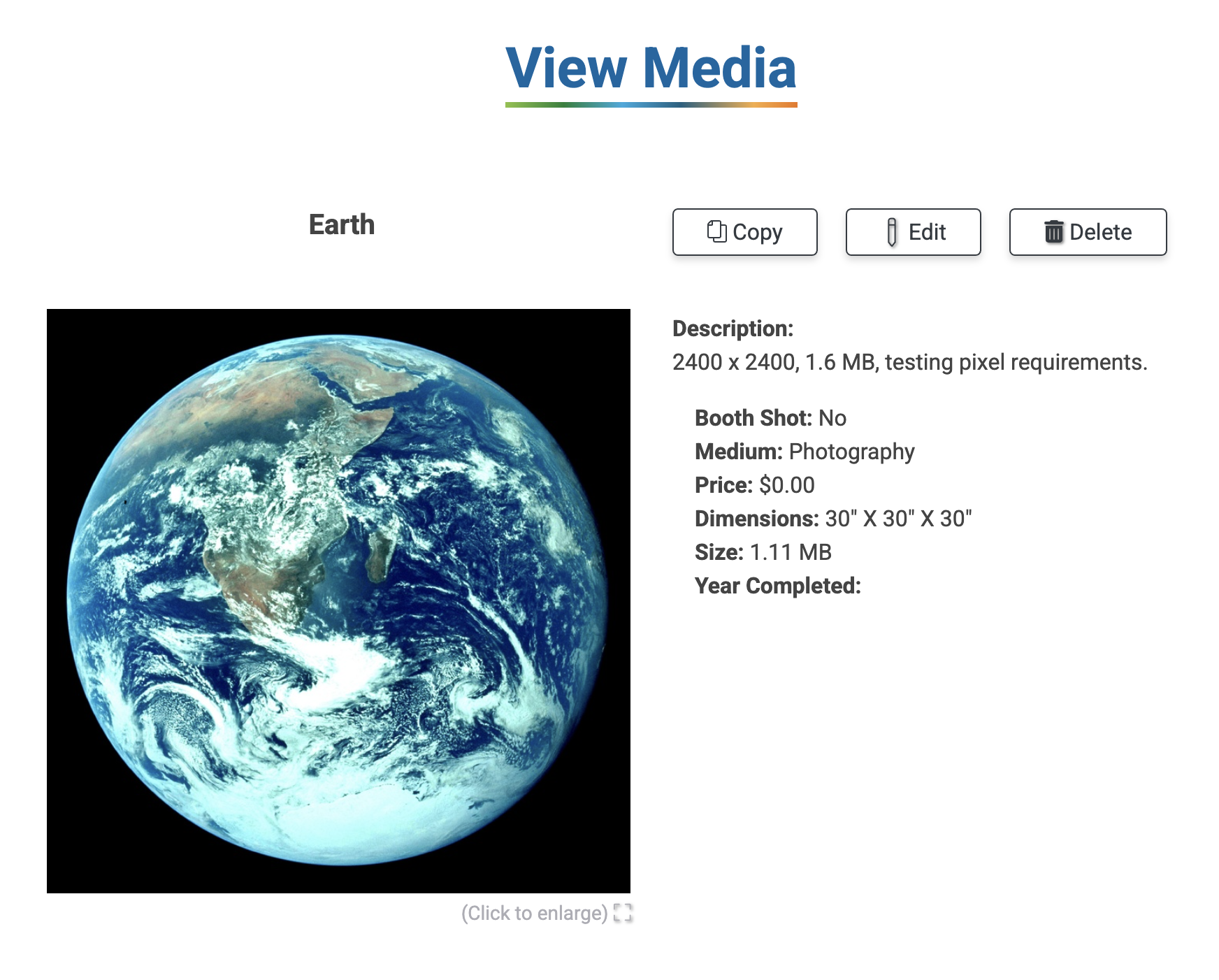
After logging in, click Portfolio 💼 to get started. Click the thumbnail of the image to be taken to the View Media page.
Click Copy to duplicate the image and its information.
Click Delete to remove the image from your Portfolio. The image will not be deleted from any submitted applications.
Click Edit to update any image details or replace the image with another photo. Be sure to click Submit to save your changes.
When you update image details or replace an image, the changes won't appear on any applications you submitted prior to your updates. If you need to make changes to your application, or if you want the changes you made to your images to be reflected on submitted applications, ask the event administrator to place your application in the Incomplete or Exception statuses.
