

ZAPP Artist Help Center

ZAPP Artist Help Center

My Portfolio

Statement of Technique

Statements of Technique are brief statements that describe the materials and techniques used to create your work. Every application on ZAPP will ask for a Statement of Technique, though the allowed character limit may differ. Statements of Technique are often available to jurors when scoring.

Last updated on 20 Feb, 2026

Creating and Saving a Statement of Technique

  1. After logging in, click Portfolio 💼 and then click the Saved Statements tab.

  2. Click Create Statement to open the statement window.
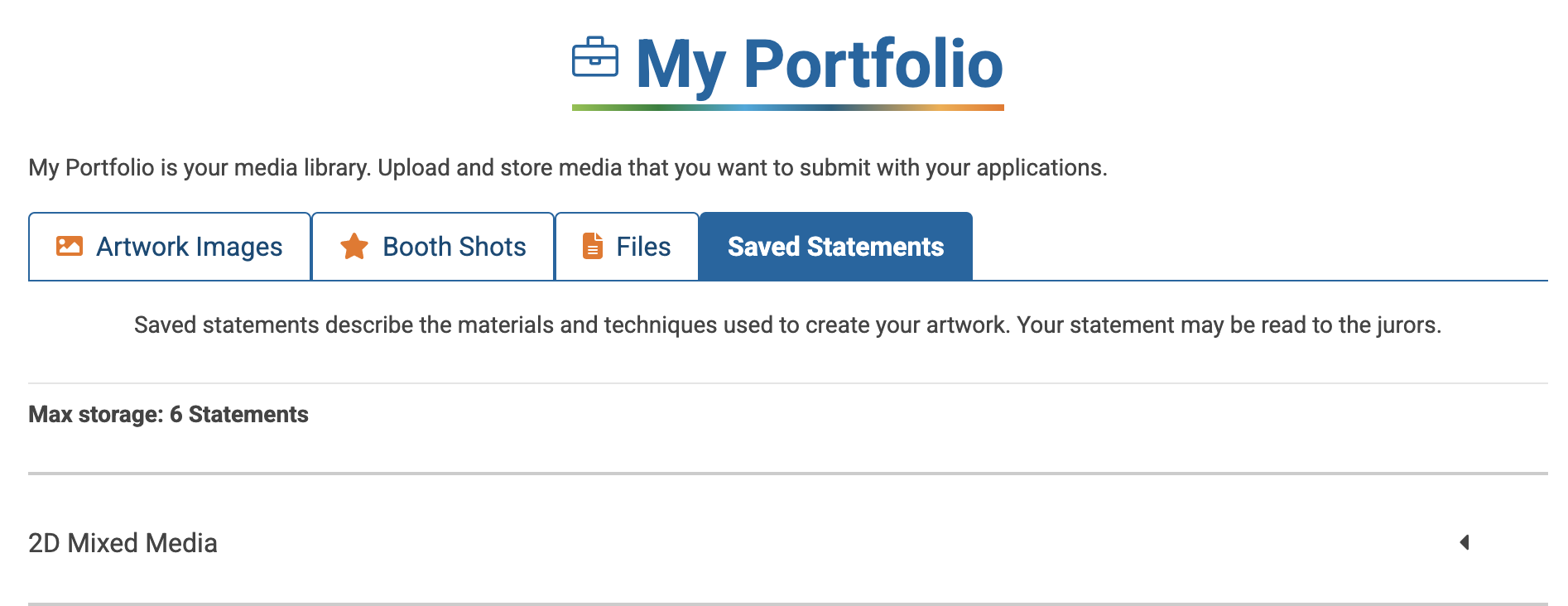
Screenshot 2025-04-02 at 5.26.43 PM.png
My Portfolio page with the "Saved Statements" tab highlighted.

  1. Enter a statement title and select the character limit. Copy or type in your statement text.

      TIP: Events allow different character limits for these statements, so try saving multiple versions of differing lengths to more easily insert them into applications.
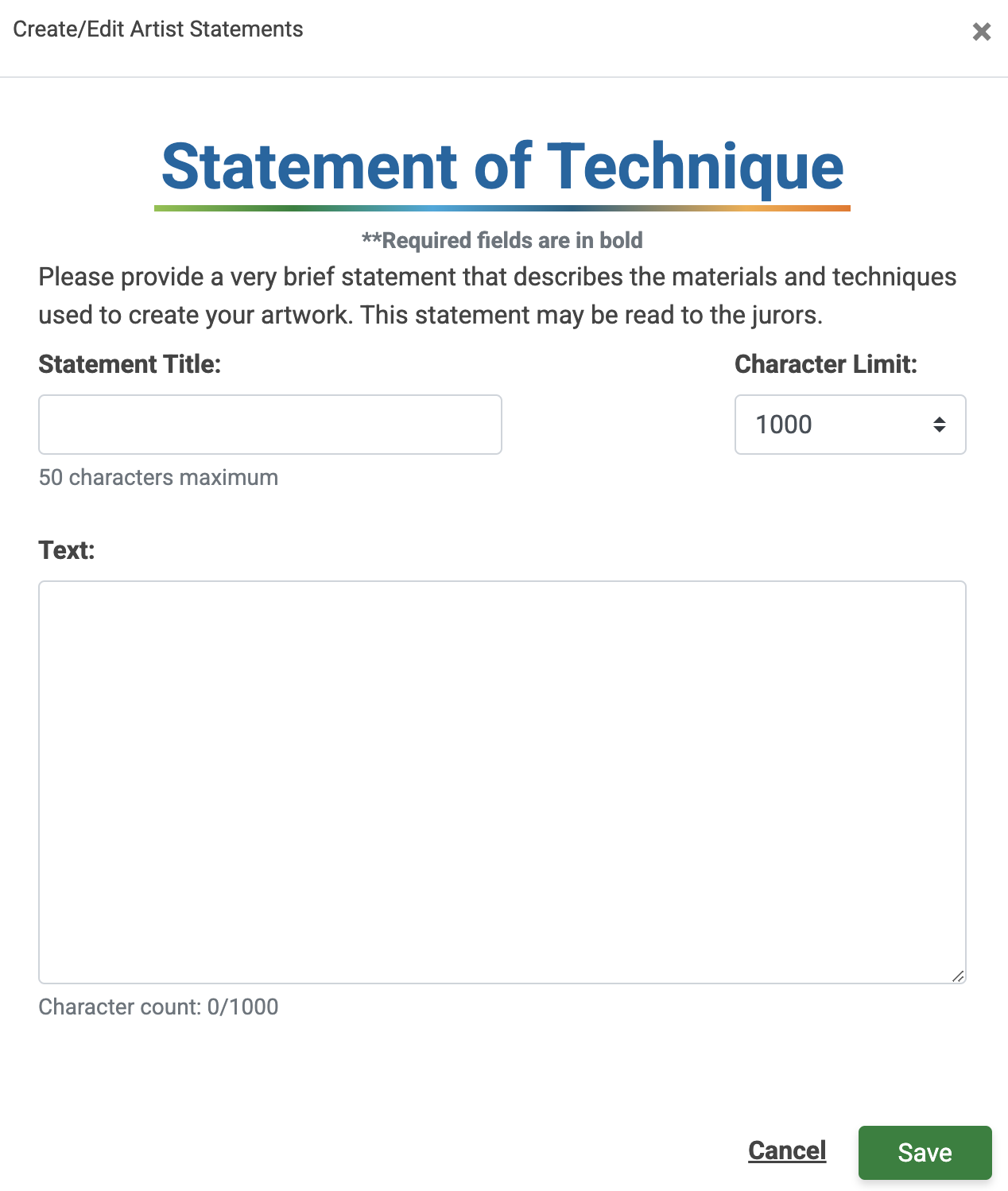
Screenshot 2025-04-02 at 5.33.07 PM.png
Form for Statement of Technique showing title, text, and character limit fields

  1. Click Save to add the statement to your saved statements library.

  2. Click on the name of any saved statement to edit, copy, or delete the statement.

Did you find this guide helpful?
Previous

Notifications Center

Next

Powered by Creative West

InstantDocs Logo