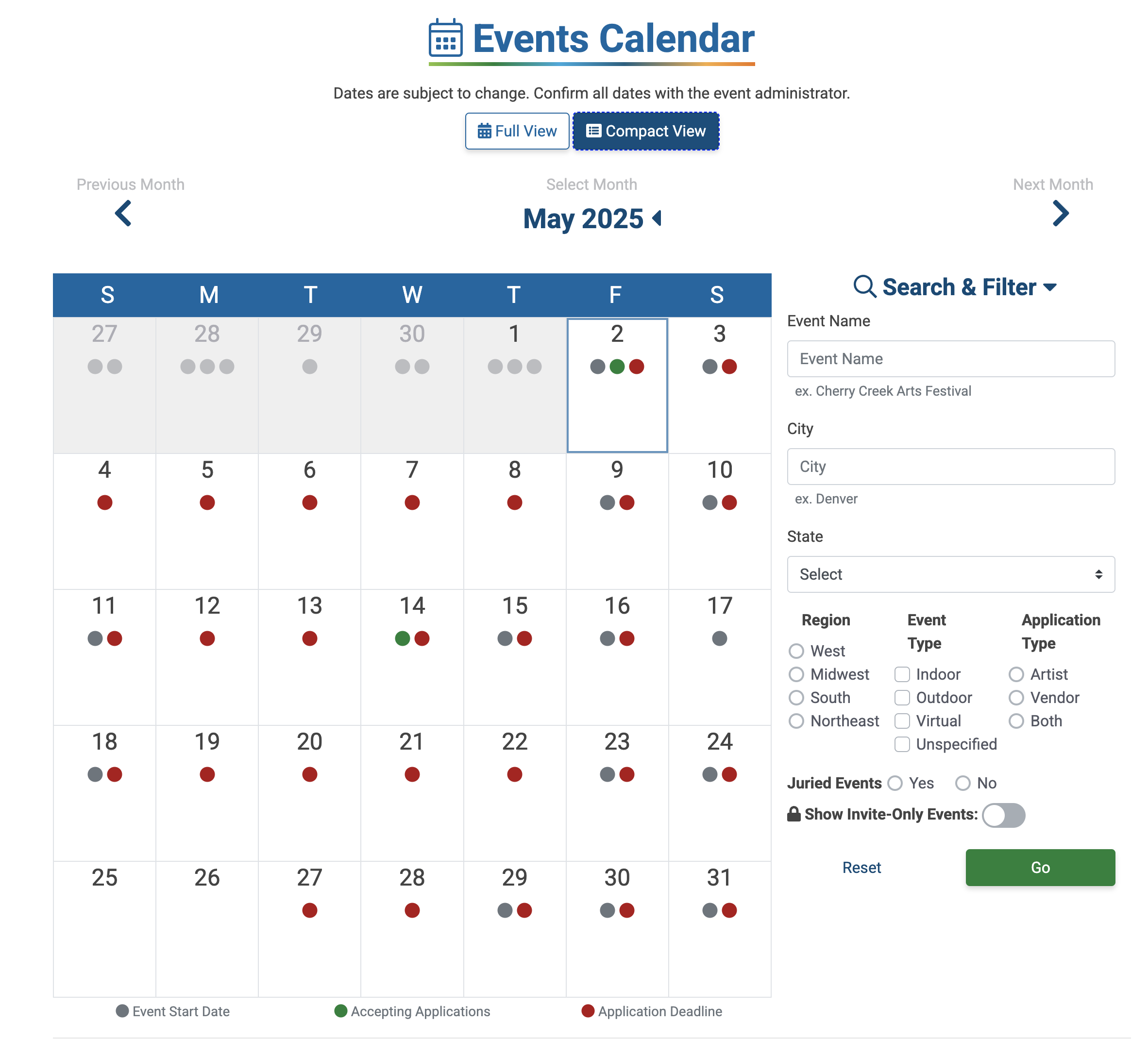
The Events Calendar has two views—a compact view that works best on mobile and an expanded version for desktops.
Compact View
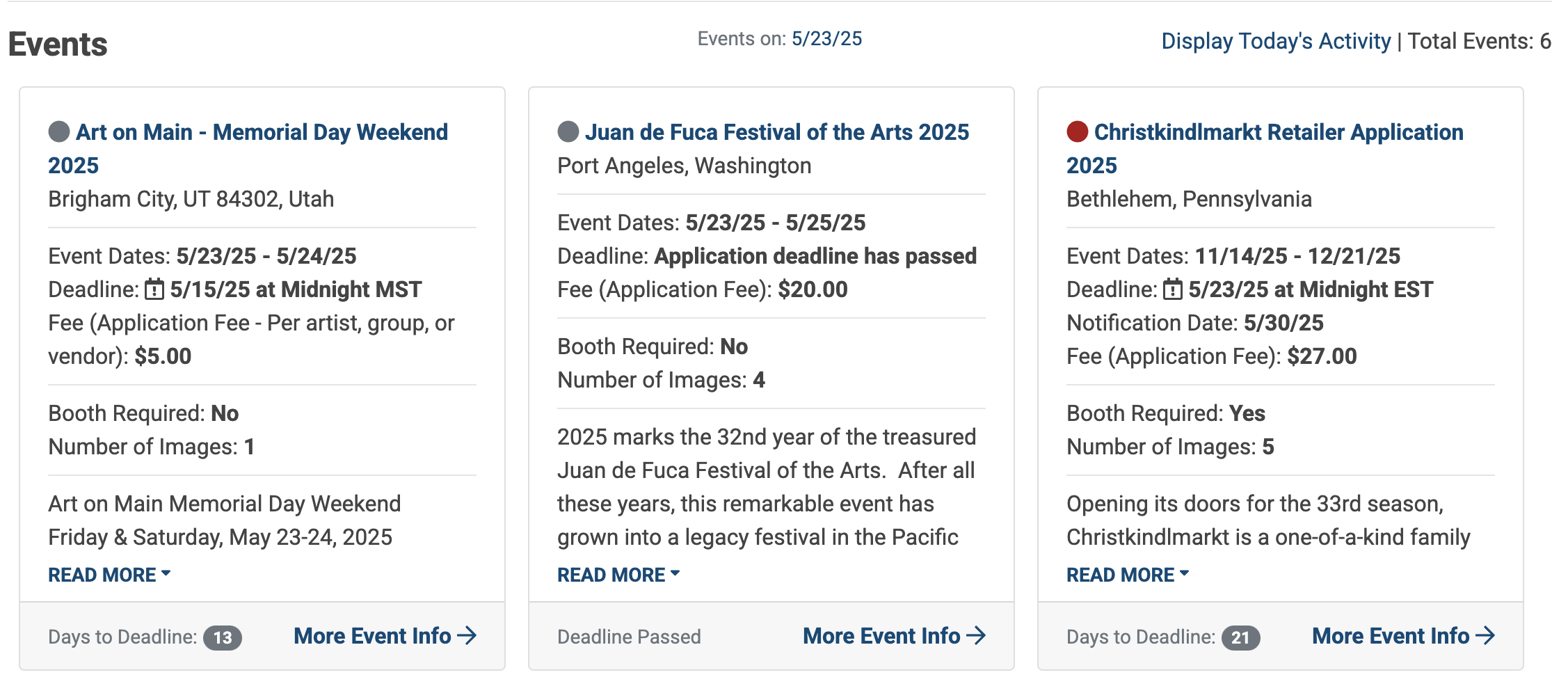
Click on a day on the calendar to view its activity, and then scroll down to see event cards with key event details and a brief summary.
Click on the event name or More Event Info to view the event’s information page.
Full View
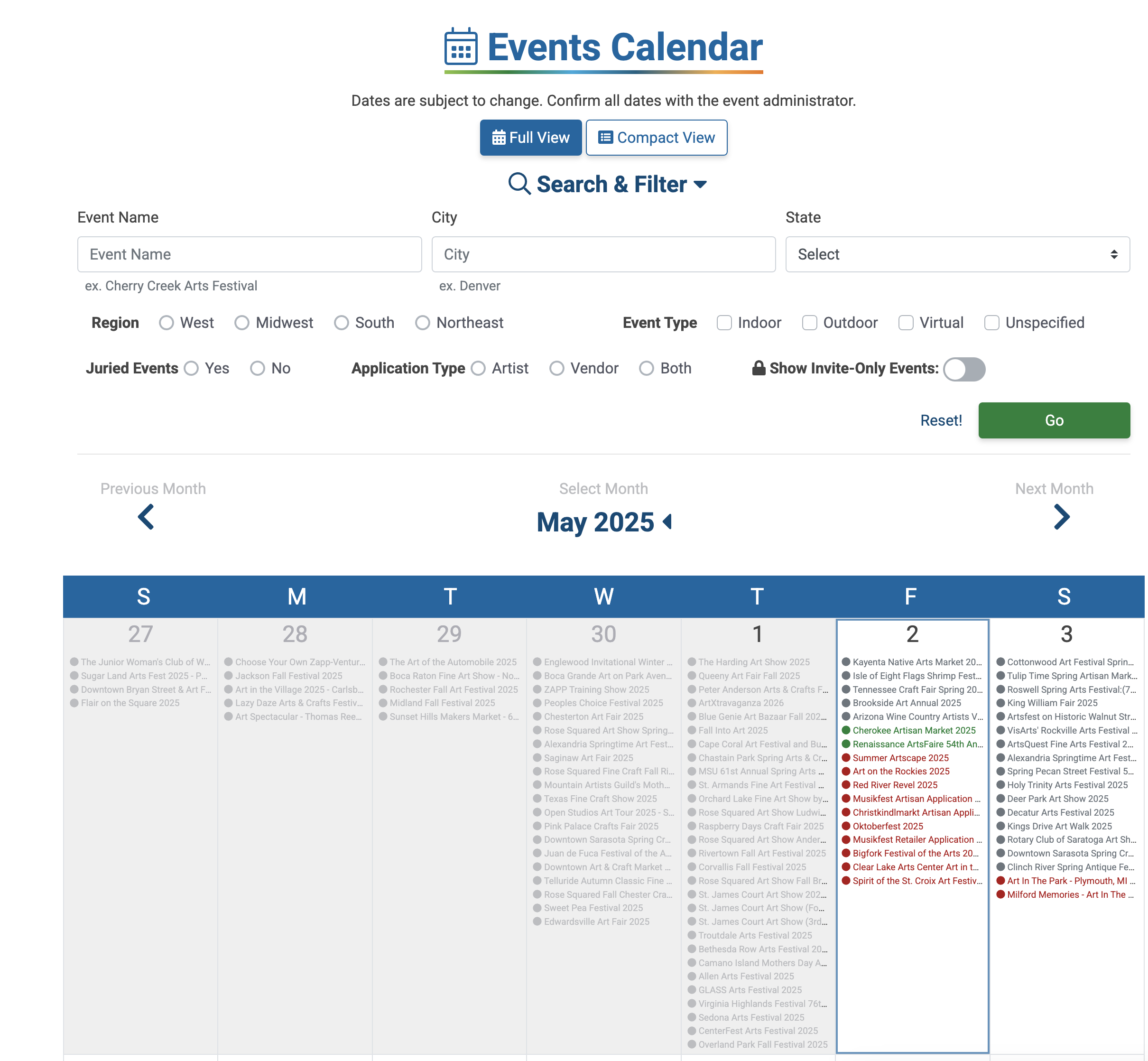
The full view is the default view for desktop and features a full list of events with application open dates, application deadlines, and event start dates. Click on any event name to go directly to the event’s information page.