Receive Emails About Events on ZAPP
Find new events or learn when your favorites open their applications! You have two ways to get alerted about new events by email:
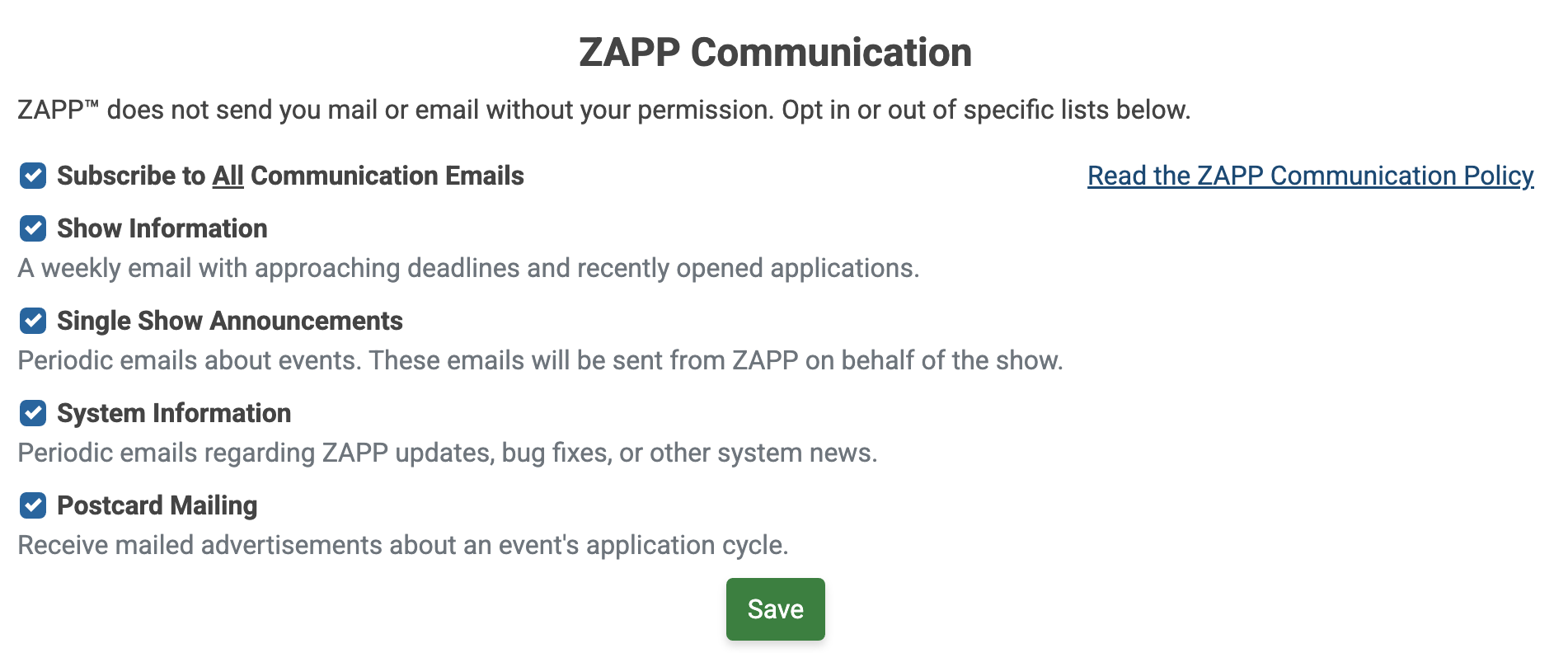
Show Information: Receive a weekly email on Wednesday from ZAPP with a list of events with upcoming deadlines and events that have just opened their applications.
Single Show Announcements: Receive periodic emails from ZAPP about individual events that are accepting applications.
How to Opt-in
Log in to your ZAPP account and click on your name next to the ZAPP logo to go to your profile.
Scroll down to Email Notifications.
Check the boxes for Single Show Announcements and Show Information. Click Save.