

Uploading Booth Shots
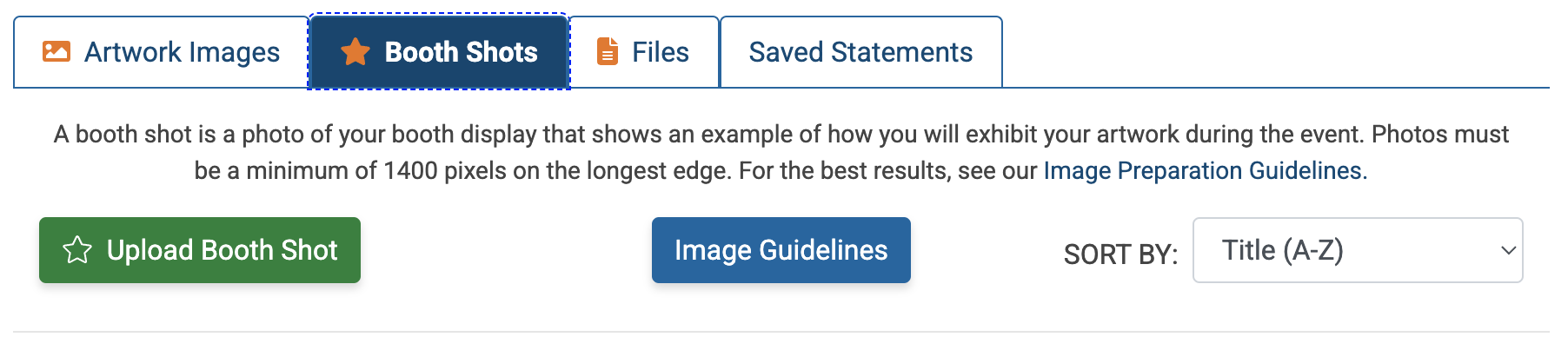
In your Portfolio 💼, click the Booth Shots tab and then click Upload Booth Shot.
Click Browse in the media file field to upload an image from your computer or phone.
Enter your image title. You may also add a tag, add an internal comment, or add the image to a folder.
Click Submit to upload your booth shot.
⚡ TIP: Check out the guide, How to Take A Great Booth Picture.
