

Files must meet the following requirements to upload:
File Size: Under 5 MB
File Format: PDF, DOC, DOCX, XLS, XLSX, CSV, JPG, JPEG, PNG, TIFF.
To upload a file to ZAPP, follow these steps:
After logging in, click Portfolio 💼 to get started.
Click the Files tab and then click Upload File.
Click Browse to upload a file from your computer or phone.
Enter your file title. You may also add a tag, add an internal comment, or add the file to a folder.
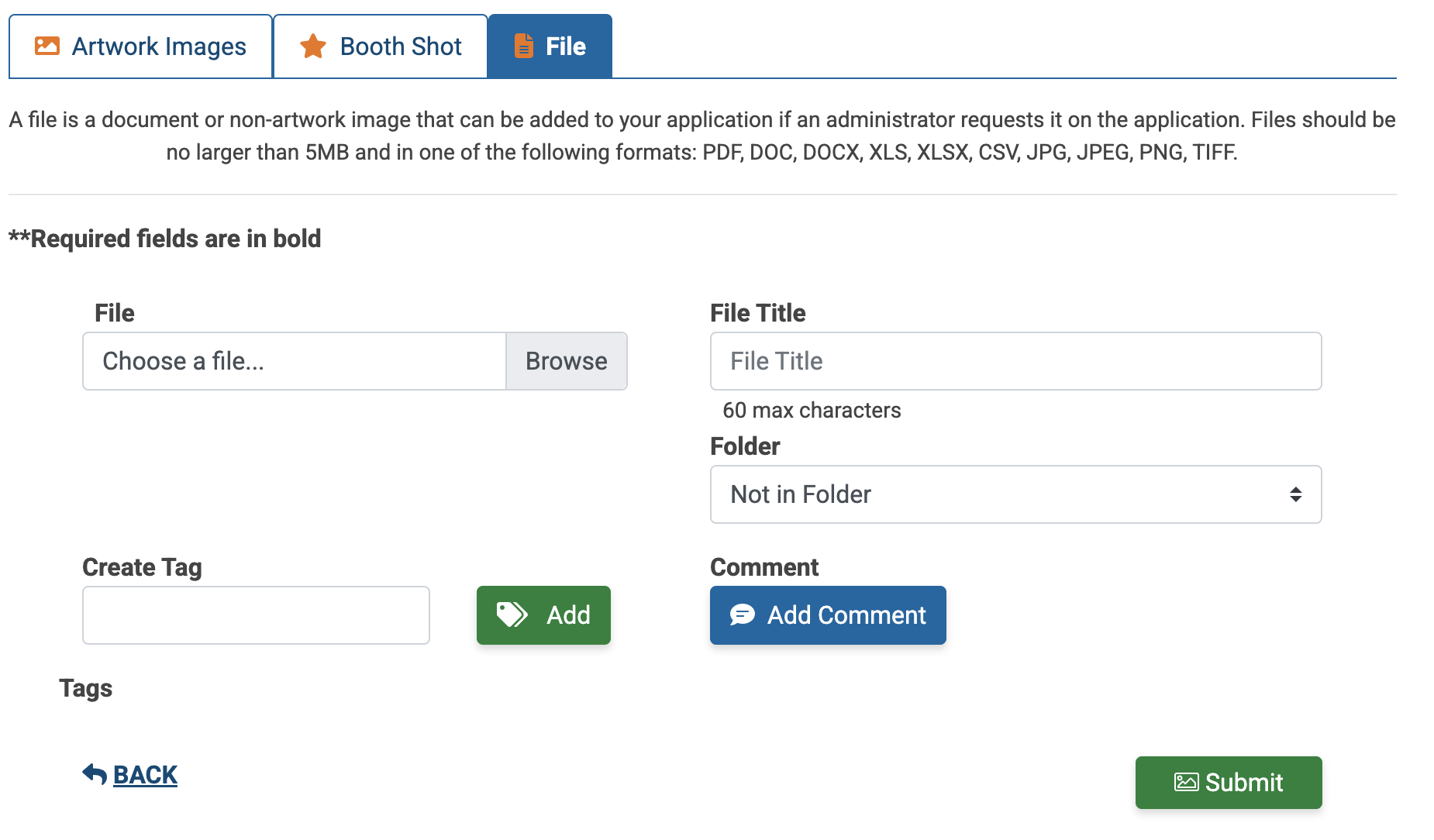
Click Submit to upload your file.
